To update your profile details, log in to your account on the platform.
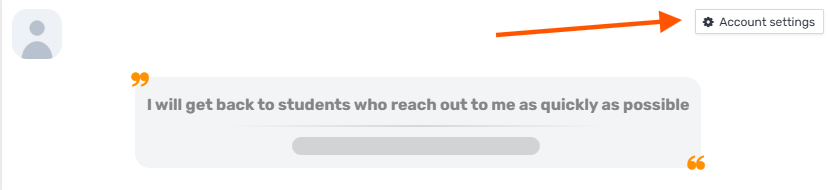
Click "My Account":
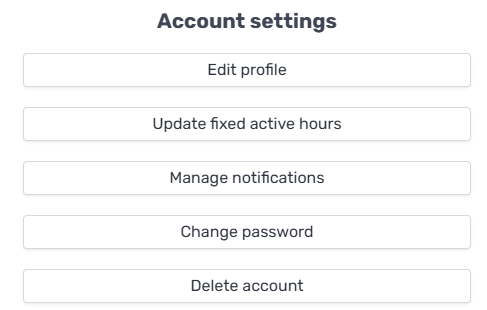
Click the "Edit profile" button:
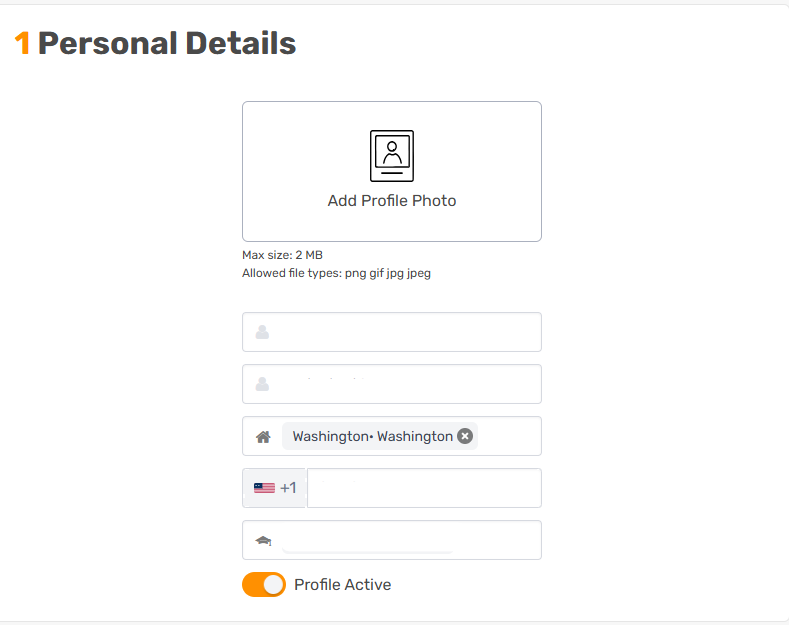
And edit the relevant field, for example:
Updated Oct 11, 2026
To update your profile details, log in to your account on the platform.
Click "My Account":
Click the "Edit profile" button:
And edit the relevant field, for example: