It's important to keep your calendar up to date and to hide your availability when you're not able to take on students.
You can update your availability on the platform in a few ways:
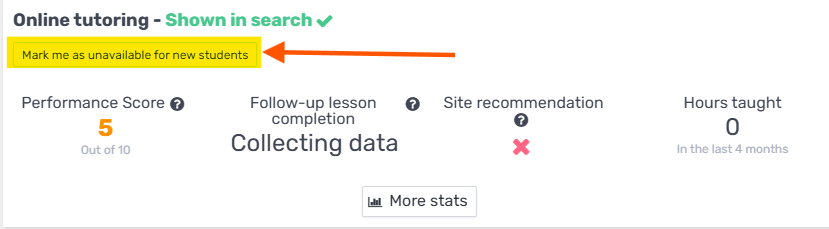
Stop taking on new students
You can request to stop receiving new requests using the following buttons:
Freeze your availability
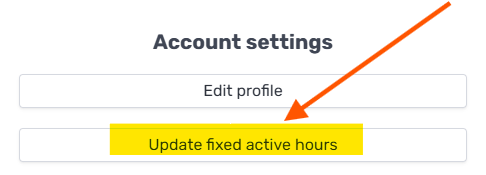
Click "My Account" → "Update your weekly availability":
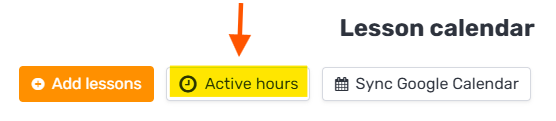
Or, from your tutor calendar, click the "Availability hours" button: