To register as a tutor on Tutorela, create an account and complete your tutor profile. You’ll choose the subjects you teach, set your rates, and introduce yourself to students and parents.
Before your profile appears in search: Our team needs to approve it, and you need to accept the Service Charter. Completing registration is the first step—not instant approval.
Before you start
Have access to your email and a mobile phone that can receive verification codes. It is also helpful to have a recent profile photo ready and an idea of the subjects, levels, and lesson formats you want to offer.
You can update your profile details later, so your rates and description do not need to be final. However, make sure the information you submit is accurate and complete enough for us to review. Learn how to edit your tutor profile.
First: Create your account
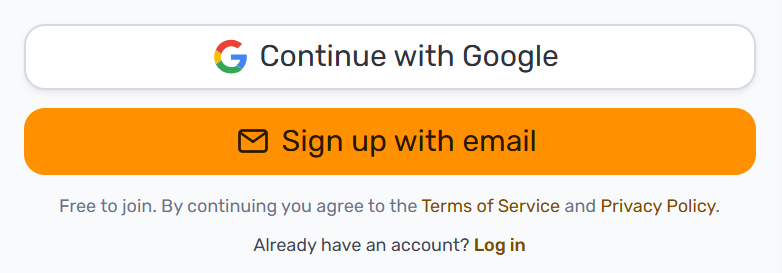
Open the tutor sign-up page and choose Continue with Google or Sign up with email.
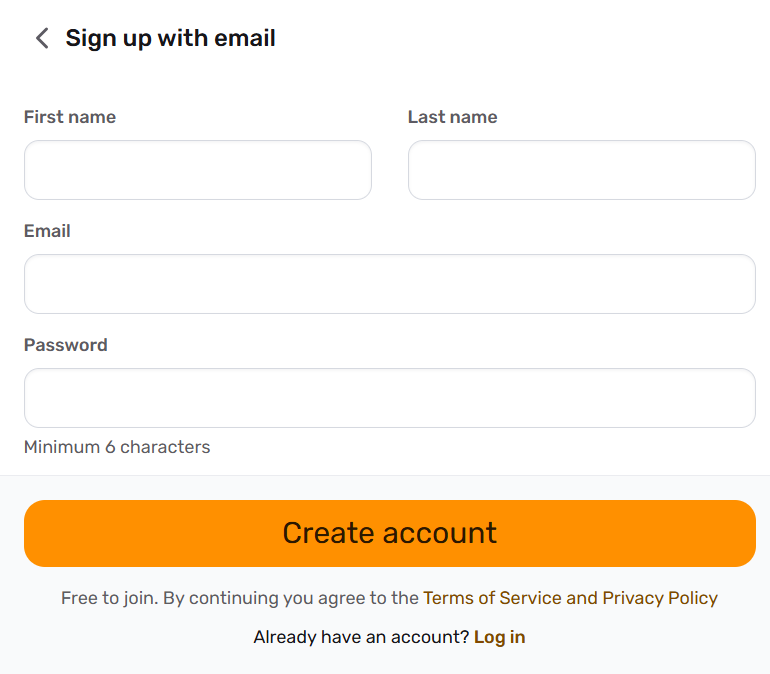
If you register with email, enter your first name, last name, email address, and a password of at least six characters. Then select Create account.
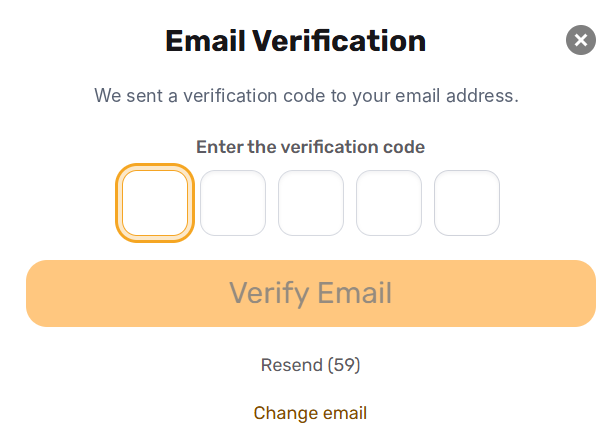
We’ll send a verification code to your email. Enter it and select Verify Email to confirm your email address and continue:
Set up your tutor profile
The setup is organized into eight steps. The location step applies if you offer in-person lessons. A progress bar shows where you are, and you can go back to review earlier answers.
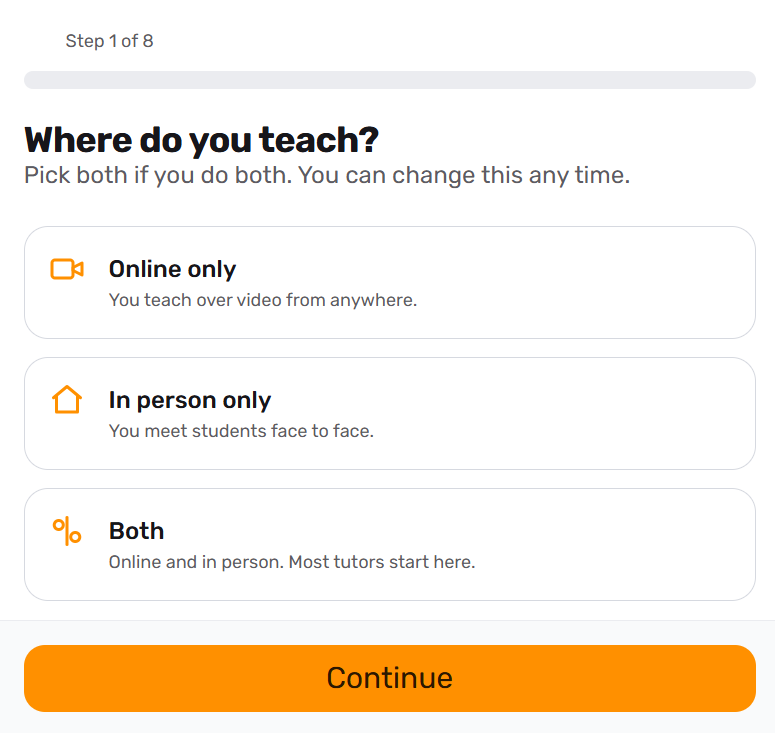
Step 1: Where do you teach?
Choose Online only, In person only, or Both.
Select the option that matches the lessons you plan to offer. For example, choose Both if you are available for online and in-person tutoring. You can change this later.
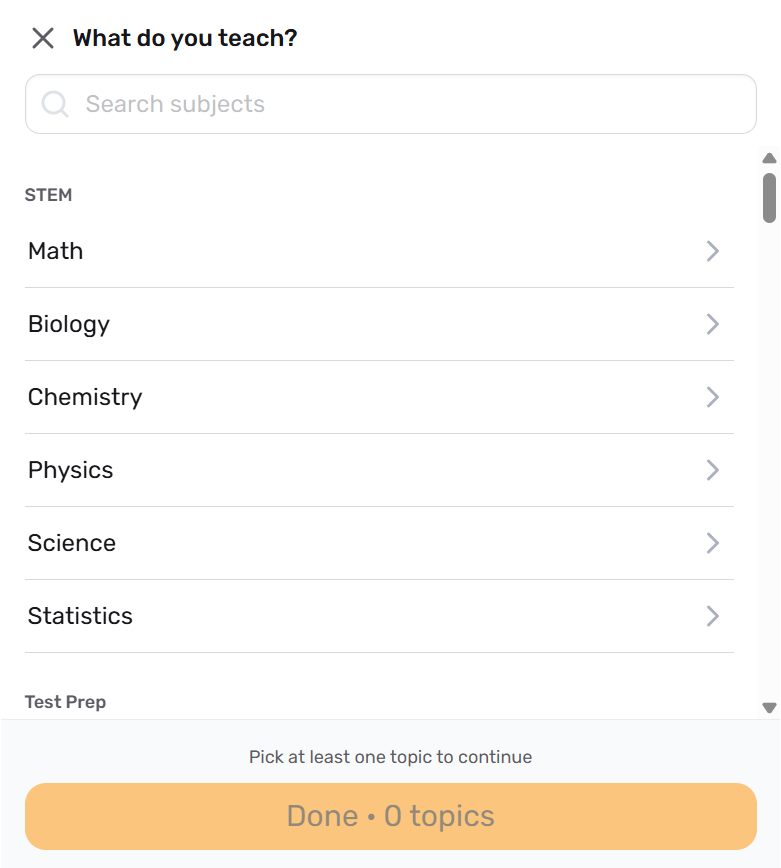
Step 2: What do you teach?
Search for the subjects you teach and select the relevant topics or levels under each one. You can choose more than one subject. Select at least one topic, then choose Done when you have finished.
These selections help determine which searches your profile appears in. Choose subjects and levels you can confidently teach, rather than adding subjects simply to appear in more searches.
Can’t find your subject? See The subject I want to teach isn’t in the list for help requesting an addition.
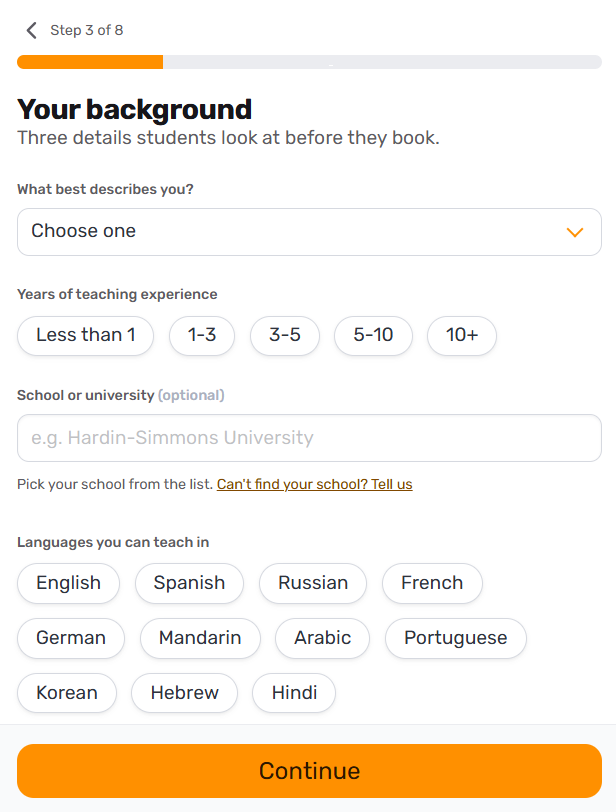
Step 3: Your background
Select the option that best describes your background, add your years of teaching experience, and choose the languages you can teach in. You can also add your school or university; this field is optional.
Describe your experience accurately. In your profile description, you can explain relevant experience such as private tutoring, volunteering, or helping your own children, while making clear what that experience involved.
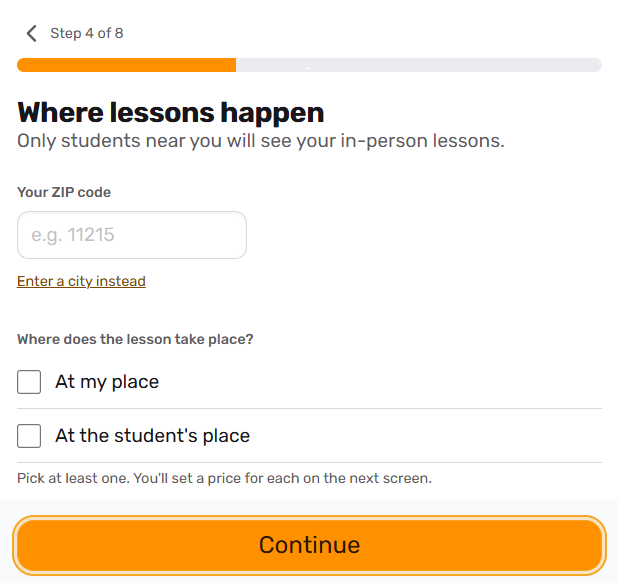
Step 4: Where lessons happen
This step applies if you offer in-person lessons.
Enter your ZIP code, or select Enter a city instead, to set the location for your in-person tutoring.
Then select At my place, At the student’s place, or check both boxes.
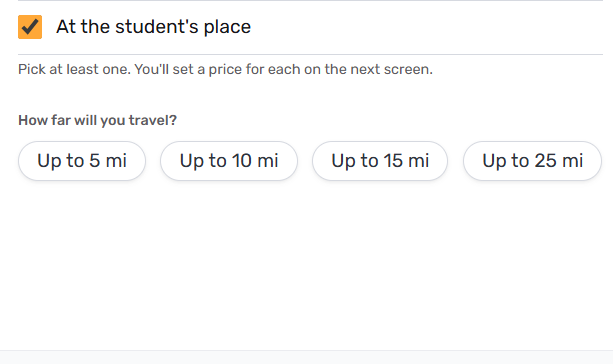
If you teach at the student’s place, choose how far you are willing to travel: up to 5, 10, 15, or 25 miles. This sets the area where you offer lessons at students’ locations.
Step 5: Your rate
Set your hourly rate for each lesson type you offer: online, at your place, or at the student’s place.
The available range is $20–$1,000 per hour. You can set different rates for different lesson types and update them later. When setting a rate for lessons at a student’s place, consider the additional travel time and costs.
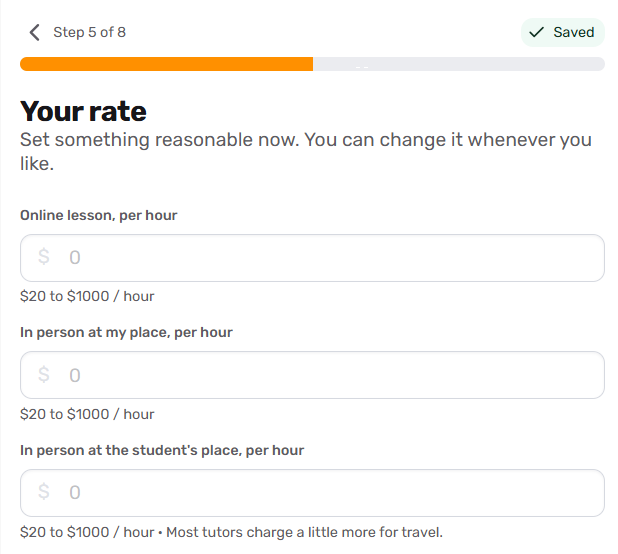
Tutorela charges a 20% platform fee on lessons with students who find you through the platform. Take this into account when setting your prices. See How is Tutorela’s platform fee calculated? for more information.
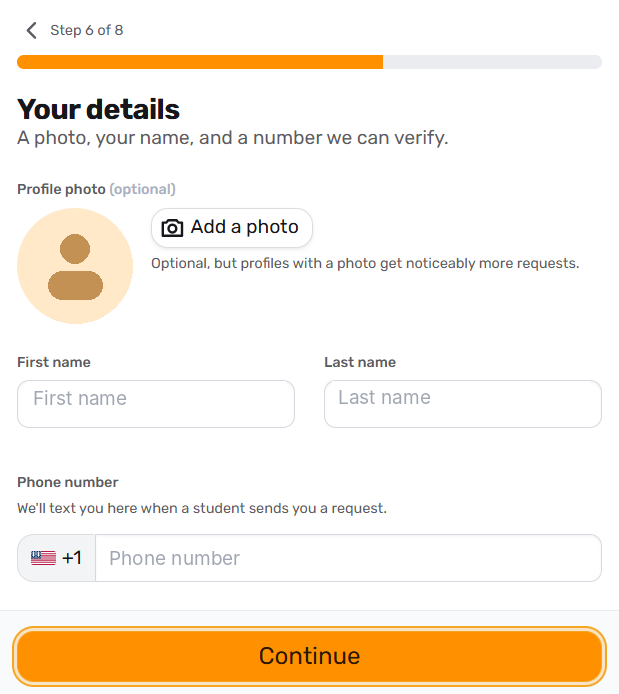
Step 6: Your details
Add a clear, recent profile photo, confirm your name, and enter your mobile phone number.
Your photo does not need to be professionally taken. Choose one that clearly shows your face, with just you in the frame, so students and parents can see who they would be learning with.
Use a phone number where you can receive verification codes and text notifications about student requests.
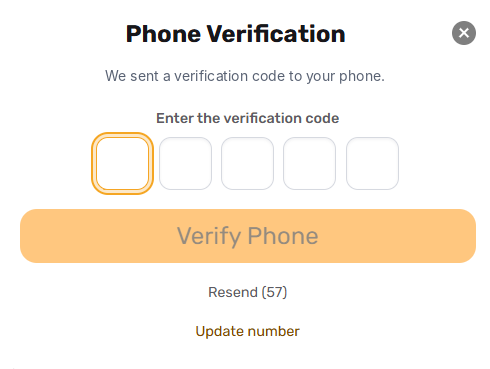
We’ll send a verification code to your phone. Enter it and select Verify Phone to confirm your number.
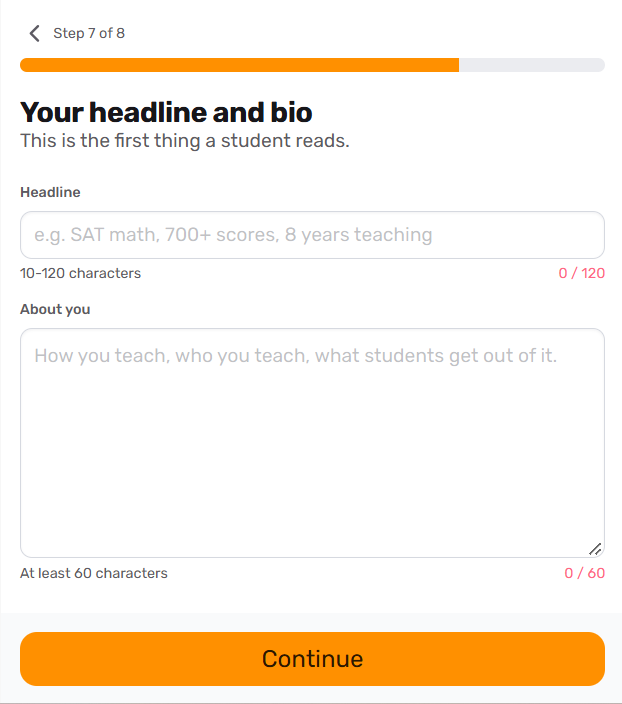
Step 7: Your headline and bio
Your headline and description introduce you to students and parents. Use them to explain who you teach, what you help with, and how you approach lessons.
Headline: Write a short headline of 10–120 characters. Aim for something specific and easy to understand.
For example: French lessons for beginners, with a focus on everyday conversation.
About you: The minimum is 60 characters, but we recommend writing a few short paragraphs rather than stopping at the minimum. Cover your relevant experience, your teaching approach, and what a typical lesson looks like. Explain how you adapt your teaching to a student’s needs.
You do not need to sound formal. The goal is to help someone understand what learning with you would be like.
Use the designated contact fields for your phone number and email address rather than including them in your public description.
Step 8: Review and publish
Review your profile preview and check that your subjects, rates, photo, and description are correct. Use the Edit links to return to a section and make changes.
Confirm that you are 18 or older and agree to Tutorela’s Terms of Service and Privacy Policy.
When you are ready, select Publish my profile.
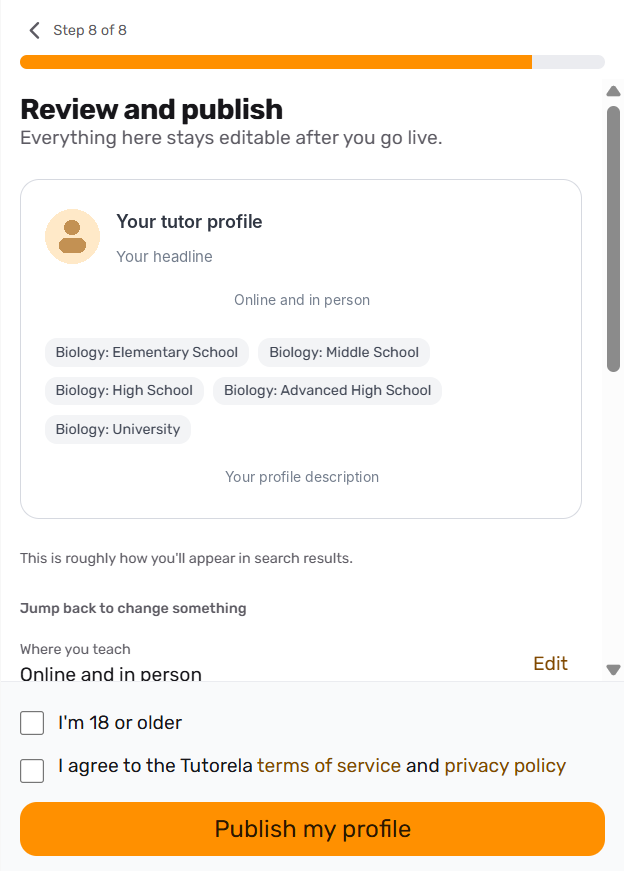
This submits your profile for review. It does not make your profile visible in search results immediately.
What happens after I submit my profile?
Your account will show a Your profile is awaiting approval notice, and your profile status will appear as Pending. We’ll email you when your profile has been approved.
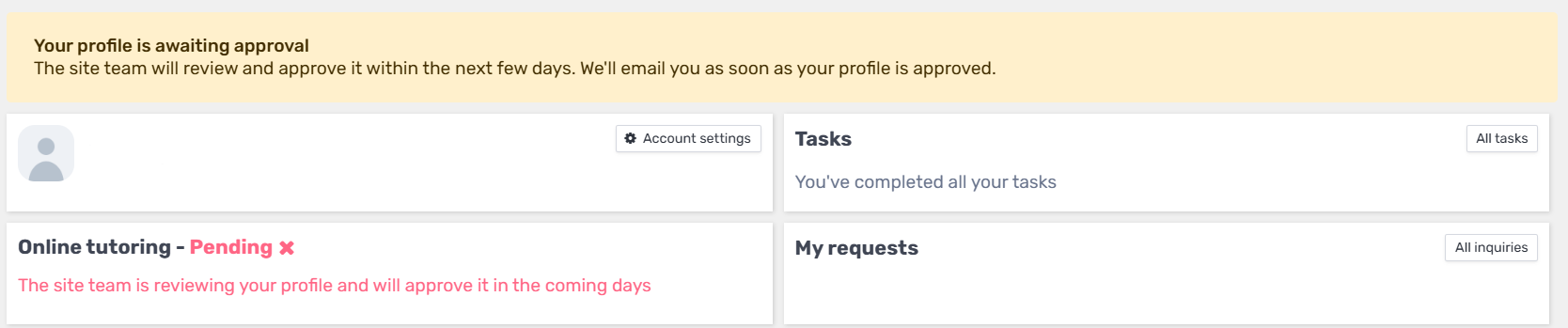
If your profile is missing important information or needs changes, those details will need to be updated before it can be approved. See I created a profile, when will it be approved?.
Complete the Service Charter
Before your profile can appear in search results, both of these steps must be complete:
Our team has approved your profile.
You have accepted the Service Charter.
Open Tasks in your account to read and accept the Service Charter, which sets out the service and professionalism commitments expected of tutors.
An approved profile remains hidden from search until the Service Charter has also been accepted. Learn more about the Service Charter.
Get ready for your first student request
Once your profile is visible, students can find it and choose to contact you. When a student sends you a request, you’ll receive an email and an SMS notification. See How does a student contact me?.
Before your first lesson, choose how you would like to receive payments and complete any required setup. Visit Getting paid by students for the available options and instructions.
Having trouble registering?
My ZIP code is not recognized
Check that you entered the ZIP code correctly. If it is still not recognized, try Enter a city instead.
If you still cannot continue, contact our support team and tell us which ZIP code or city you are trying to enter.
I already have a student account
If you already have a student account and have trouble creating a tutor profile, contact our support team for help getting set up as a tutor.
Ready to get started? Create your tutor profile.