Students search independently through the platform.
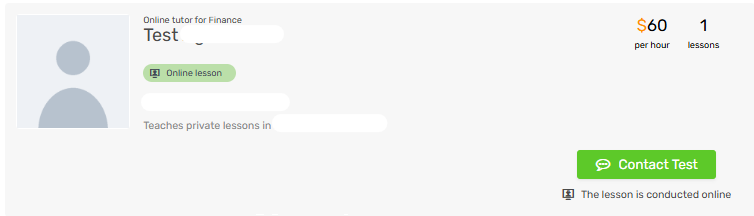
In the search results, they can reach out to the tutor using the "Contact" button:
or when they open a tutor's profile, also using the "Contact" button:
Or through the tutor's calendar:
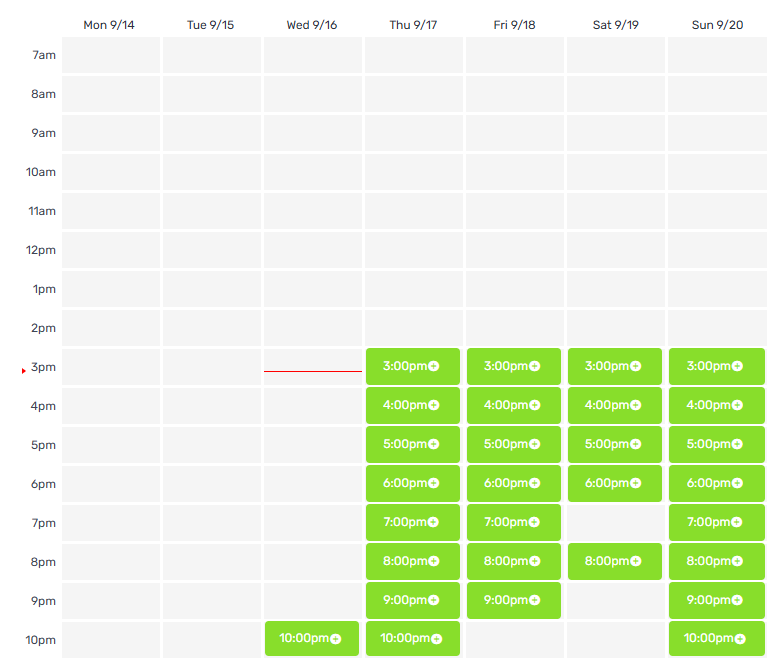
Once a student reserves a lesson in one of the available time slots, a notification appears in the tutor's account about the student's request, and an email/SMS is also sent.
The request includes the subject, the number of lessons required, an optional date for the first lesson, and the student's full contact details.
After the student reserves a lesson in the tutor's calendar, it's the tutor's responsibility to contact the student and set a final date. Until you contact the student, the lesson is not finalized.
For more information on what to do after receiving the request from the student: I received a lesson request from a student, what do I do?