When receiving payments directly from students, you need to keep a valid payment method on file so Tutorela can charge the 20% platform fee for your reported lessons.
The platform fee is charged automatically on the 5th of each month, covering lessons reported during the previous month. If no lessons were reported, no fee is charged.
How to Update Your Payment Method
You can view and update your saved payment method in a few simple steps:
Go to Account Settings in your tutor account.
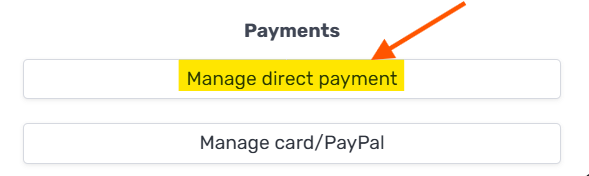
Click Manage Payment Method.
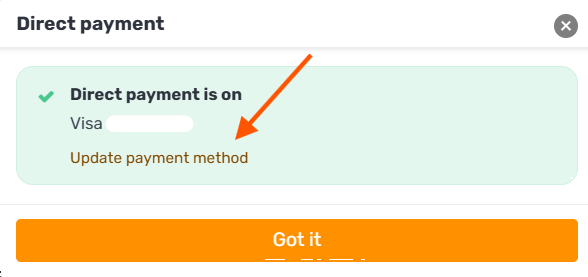
Follow the instructions to update your payment details.
How to Remove Your Payment Method
If you'd like to remove your saved payment method, please contact our support team.
Please note that a valid payment method is required to continue receiving payments directly from students through Tutorela.
For more information, see Receiving Payment Directly from Students.