Adding a payment method
You can add your payment method by clicking the "Add a payment method" button in your student account:

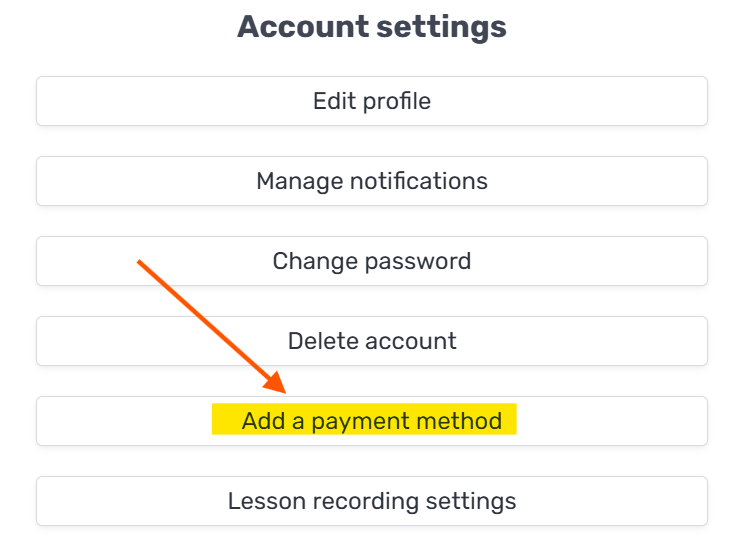
Or through Account settings → Add a payment method:
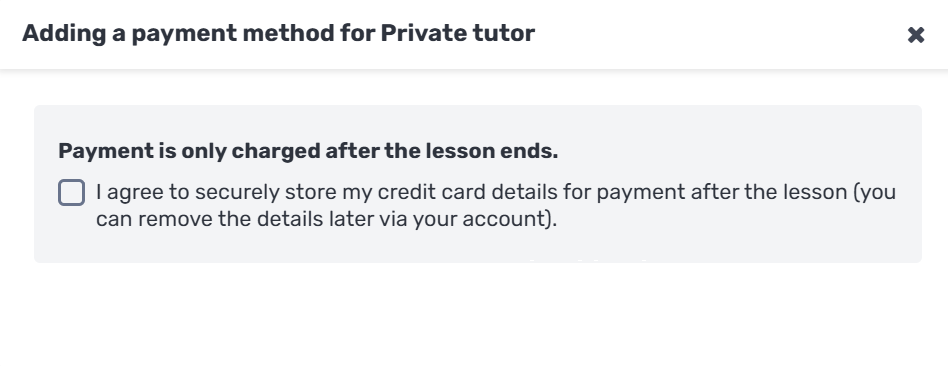
Then confirm:
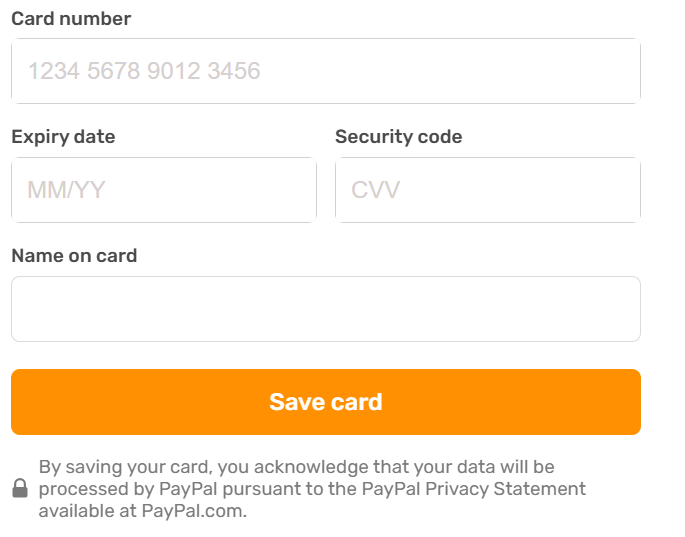
and add your card details.
Editing a payment method
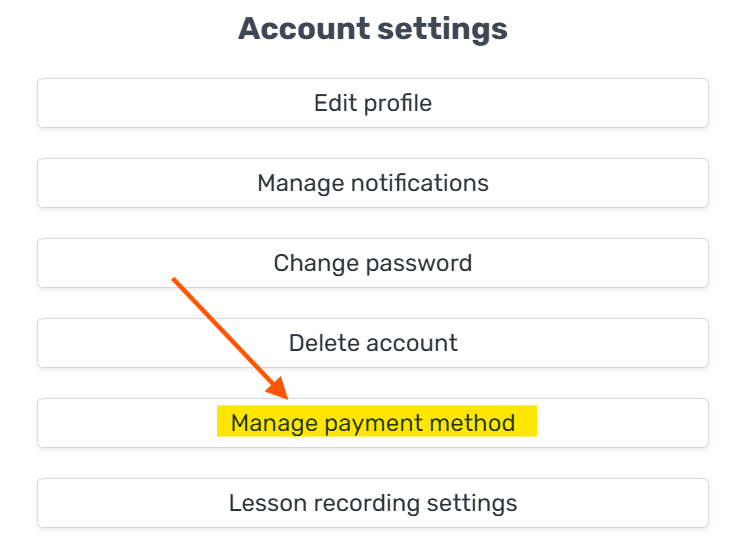
To update a card you've already added, go to Account settings → Manage payment method:
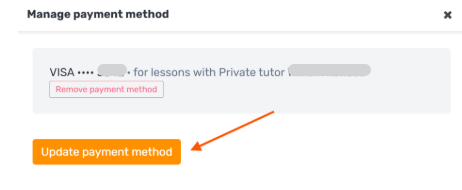
In the window that opens, click "Update payment method":
Removing a payment method
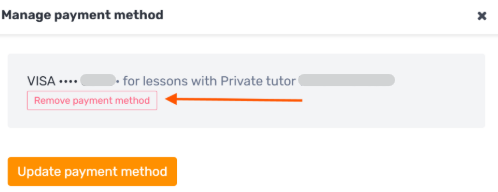
In the same Manage payment method window, click "Remove payment method":
Important to know: Your card details are secured and stored only by the payment provider. They are not saved or accessible to the platform team or to the tutors, and you won't be charged if the lesson doesn't take place.