Lessons take place through an online room opened by the tutor, using Zoom, Google Meet, or any other software that's convenient for the tutor and student.
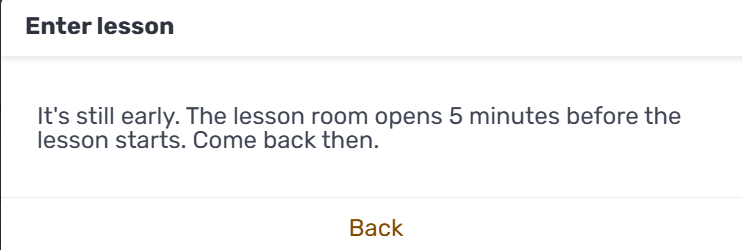
About 5 minutes before the lesson time, the "Enter lesson" button becomes available. If you click it too early, you'll see a message letting you know the lesson room opens 5 minutes before the lesson starts, so you'll need to come back then:
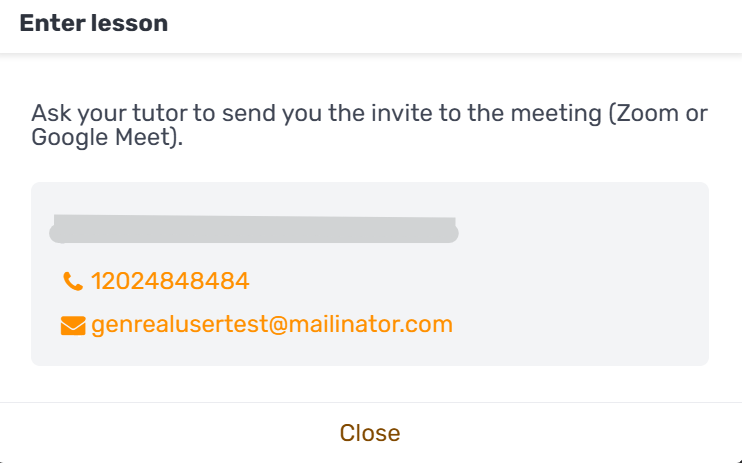
Once the lesson time is near, clicking "Enter lesson" will show you the tutor's contact details, along with a reminder to ask your tutor to send you the invite to the meeting (Zoom or Google Meet):
The tutor sends you the link to the lesson room directly, and you join through that link. For any questions, it's a good idea to get in touch with the tutor before the lesson.