How do I cancel a lesson?

Updated Oct 12, 2026

You can cancel a request through your account on the platform by clicking the "Cancel" button:
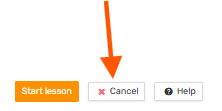
You can cancel a request through your account on the platform by clicking the "Cancel" button

Then choose a cancellation reason from the dropdown and, if you'd like, explain why you want to cancel. Click "Cancel request" to confirm:
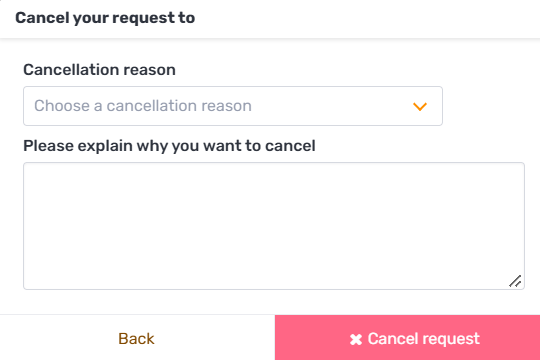
Then choose a cancellation reason from the dropdown and, if you'd like, explain why you want to cancel. Click "Cancel re

If the lesson can no longer be canceled on your own, you’ll get the following message:
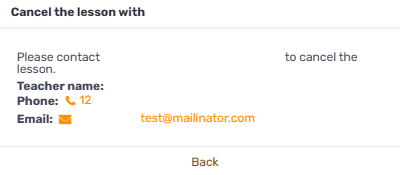
If the lesson can no longer be canceled on your own, you’ll get the following message

contact the tutor so they can do it.

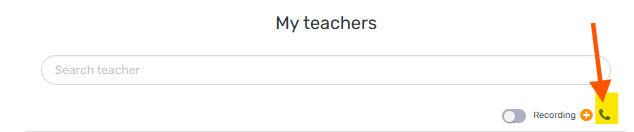
The tutor's details appear in the "My tutors" tab in your account on the platform:
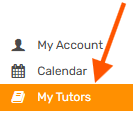
The tutor's details appear in the "My tutors" tab in your account on the platform

Next to the tutor's name, you'll see a phone-shaped button.

Clicking it reveals the tutor's contact details, which you can use to get in touch and ask to cancel the request/lesson:
Clicking it reveals the tutor's contact details, which you can use to get in touch and ask to cancel the request/lesson

Was this article helpful?

Still need help?

Our team answers every message, usually within one business day.

Contact us