As part of the online lesson service on the platform, students can watch a recording of the lesson after it has ended. To record lessons, you need to choose to record the lesson in advance.
You can choose whether to record all lessons with a tutor through the "My tutors" list:

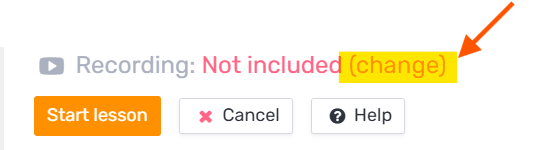
You can also change this at any time through the change button in the lesson tab in your calendar:
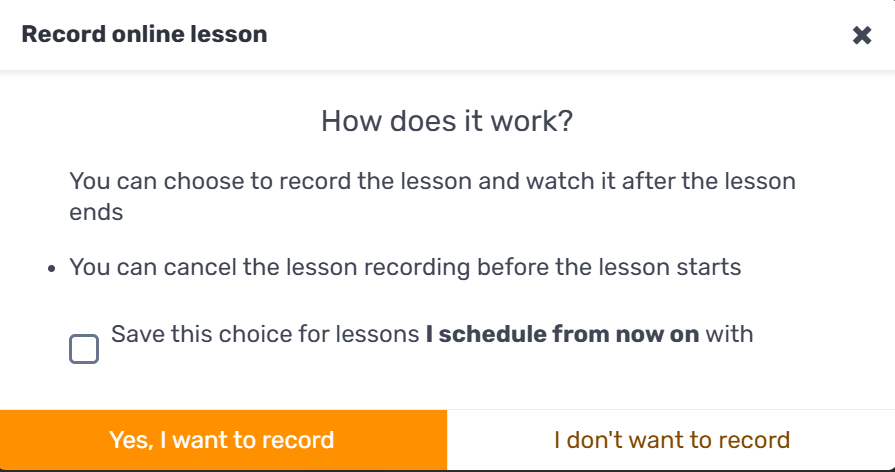
Then select the recording option, "Yes, I want to record" (or "I don't want to record" to cancel the recording):
Important! Recordings are kept for a period of about six months.