To book a lesson, all you need to do is search for the relevant subject using the search bar on the home page.
After searching, you can browse the tutors that match what you're looking for and open the profile of any tutor you're interested in.
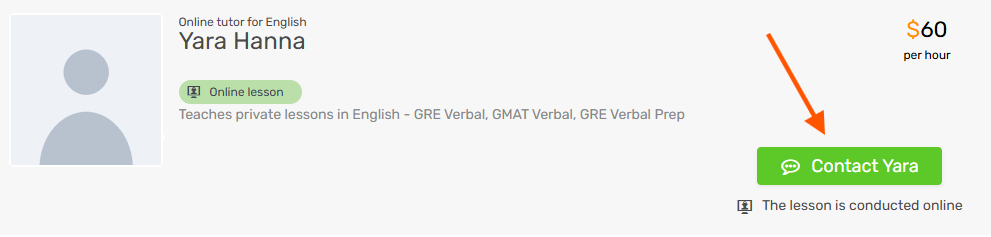
To contact a tutor, click the "Contact" button, a green button that appears on the tutor's profile:
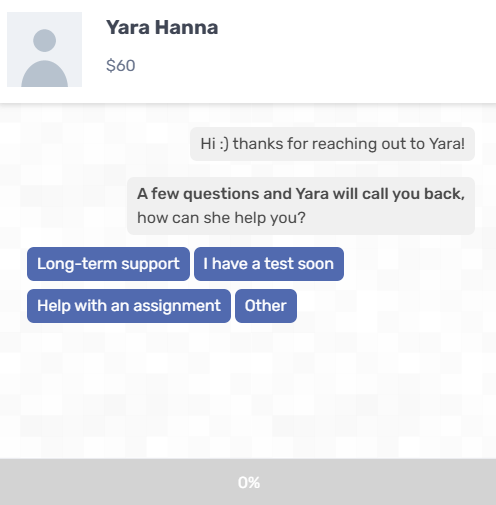
When you click the button, a request form opens:
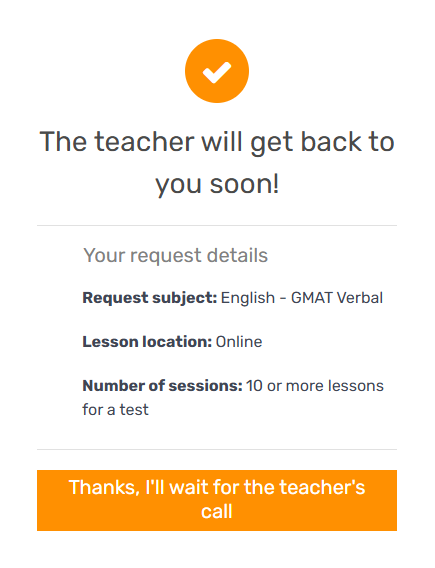
Answer all the questions, and once you submit the form, a confirmation message appears:
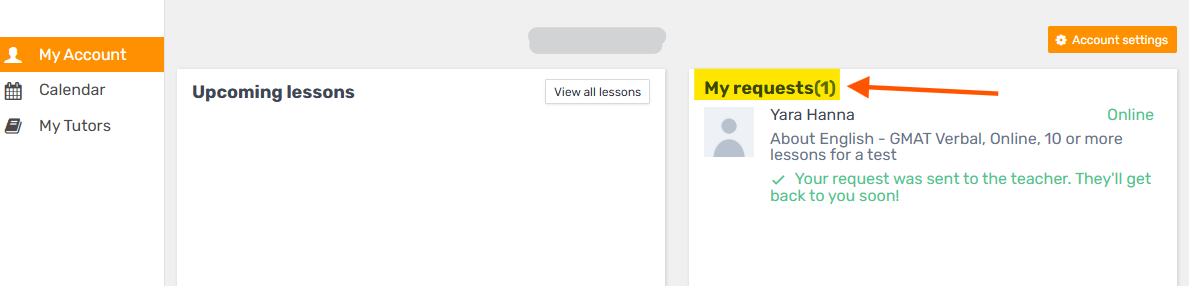
When you click the confirmation button, the system takes you straight to your calendar on the platform, where you can see that the request has been sent and is waiting for the tutor's response: