An online lesson can be taught in two ways:
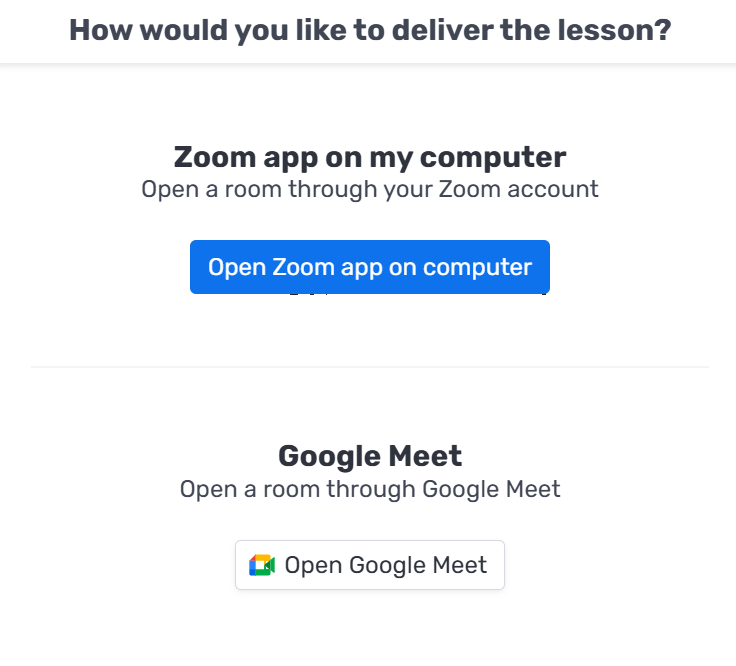
1. Opening the Zoom app on your computer
With this option, you can connect to the Zoom app with your own personal account and invite the student once you've entered the room. If the student asked to record the lesson, you'll need to start the recording manually and upload it to the platform when the lesson ends.
2. Google Meet
Another way to teach the lesson, using Google's software. You choose which method to use after clicking "Start lesson" on the relevant lesson in your calendar.