You can open the online lesson through the Zoom App by choosing this option:
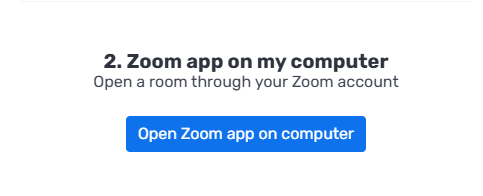
If you chose to teach the lesson using the Zoom app on your computer, follow these steps:
1. Enter the Zoom room
Enter the Zoom room by clicking the "Open Zoom app on computer" button on the platform:
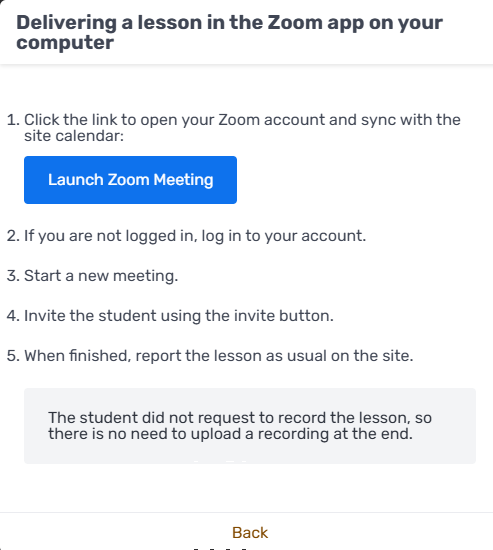
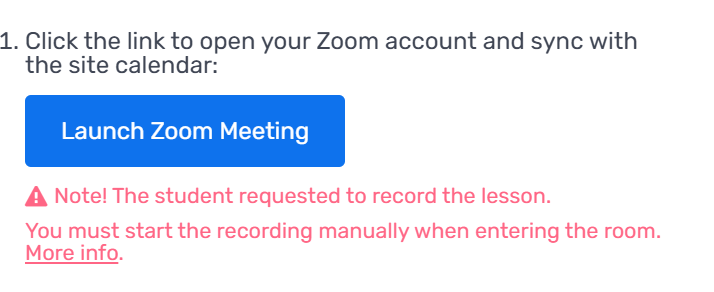
If the student asked to record the lesson, a notification will appear next to the "Open Zoom app on computer" button:
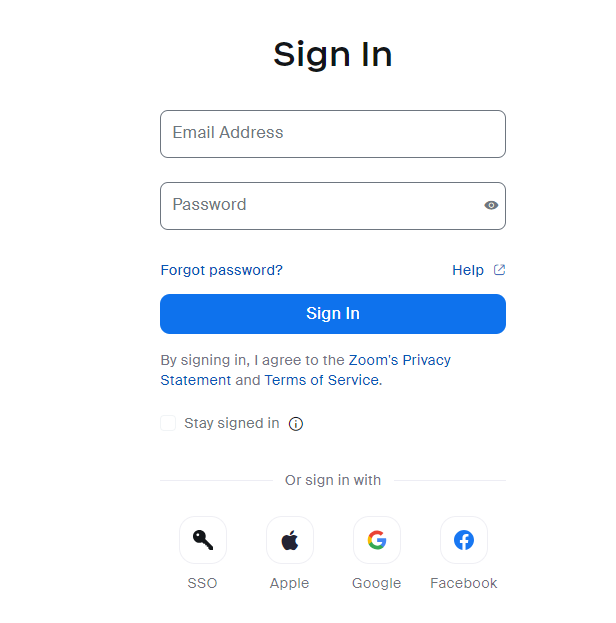
2. Sign in to your Zoom account
The lesson runs from your own Zoom account, so if you're not already signed in, sign in to your personal Zoom account first:
3. Then, start a new meeting.
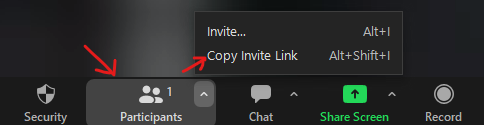
4. Once you're in the room, invite the student using the Invite button:
5. When the lesson ends, report the lesson on the platform as usual:


6. If the student chose to record the lesson, upload the recording manually when it ends, using the "Upload recording" button that appears on the relevant lesson.
(See: Where is the lesson recording and how do I upload it to the platform?)
Other options for teaching an online lesson: