When you click the "Open Zoom app on computer" button, a private Zoom room opens from your personal Zoom account.
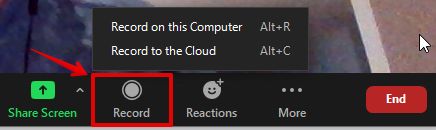
Important! Recording does not start automatically, you need to click the "Record" button to start recording:
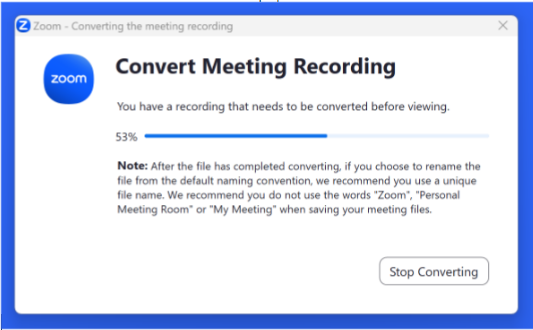
When the lesson ends, Zoom converts it into an MP4 file:
Once the conversion is complete, a Zoom files folder window pops up, where you choose a local location to save the recording:
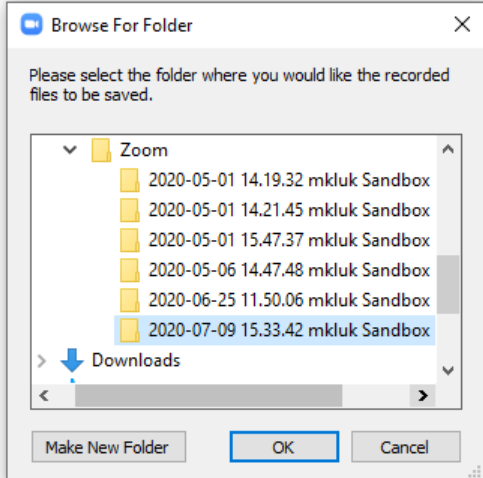
The recording will then appear on your computer in the folder: C:\Users\[Username]\Documents\Zoom
You can upload the recording by clicking the upload recordings button:
Then click the "Upload" button:
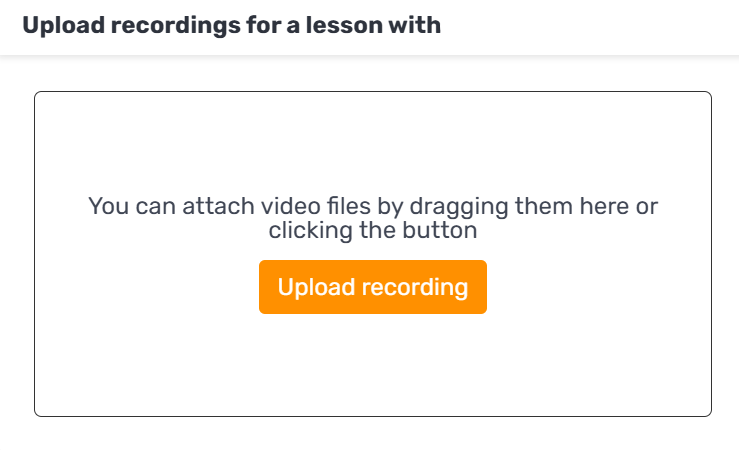
And select the right file from the local files on your computer.
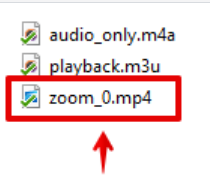
When you open the folder, an MP4 video file appears, select it to upload it to the platform: